
Published theme
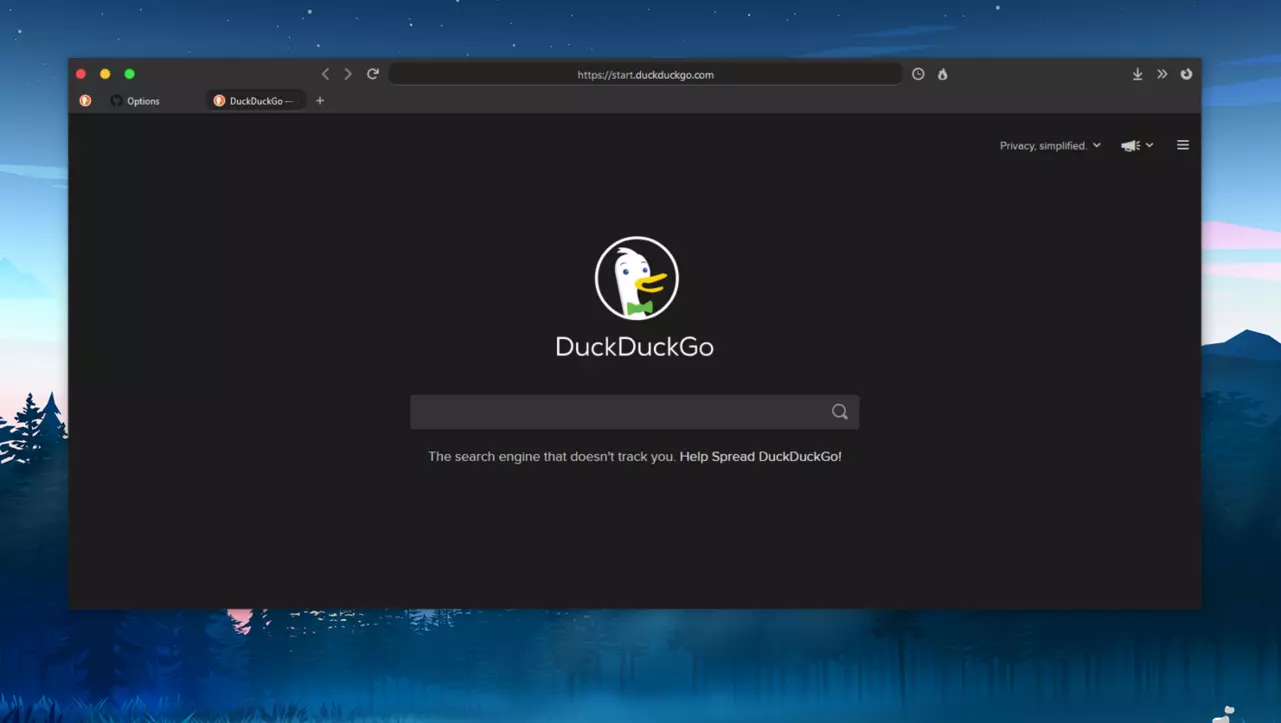
Firefox-Mod-Blur
Tested 84.0.1 Windows 10 / Default Dark Theme
- Repository
- github.com/datguypiko/Firefox-Mod-Blur
- Stars
- 1,685
- Last update
- Apr 24, 2026
- Submitted as
- legacy
Tags
Install overview
- Open the original repository and read the maintainer's installation notes.
- Enable
toolkit.legacyUserProfileCustomizations.stylesheetsinabout:config. - Create or open the
chromefolder in your Firefox profile. - Copy the theme files requested by the original repository and restart Firefox.
Ownership note
FirefoxCSS Hub indexes this submission for discovery. The code, license, support, and installation details belong to the original repository.